They are characters, not fonts
A real font changes how ordinary letters look. When you change the font in a document, the letters underneath stay the same. Fancy text works differently: each styled letter is a different character with its own Unicode code point. “𝐍” is not a bold N — it is MATHEMATICAL BOLD CAPITAL N, a separate character created for mathematics.
That is why fancy text survives copy and paste into apps that have no font menu. It is also why it behaves unpredictably: apps treat these characters as what they are, not as decorated letters.
Problem 1: boxes and question marks
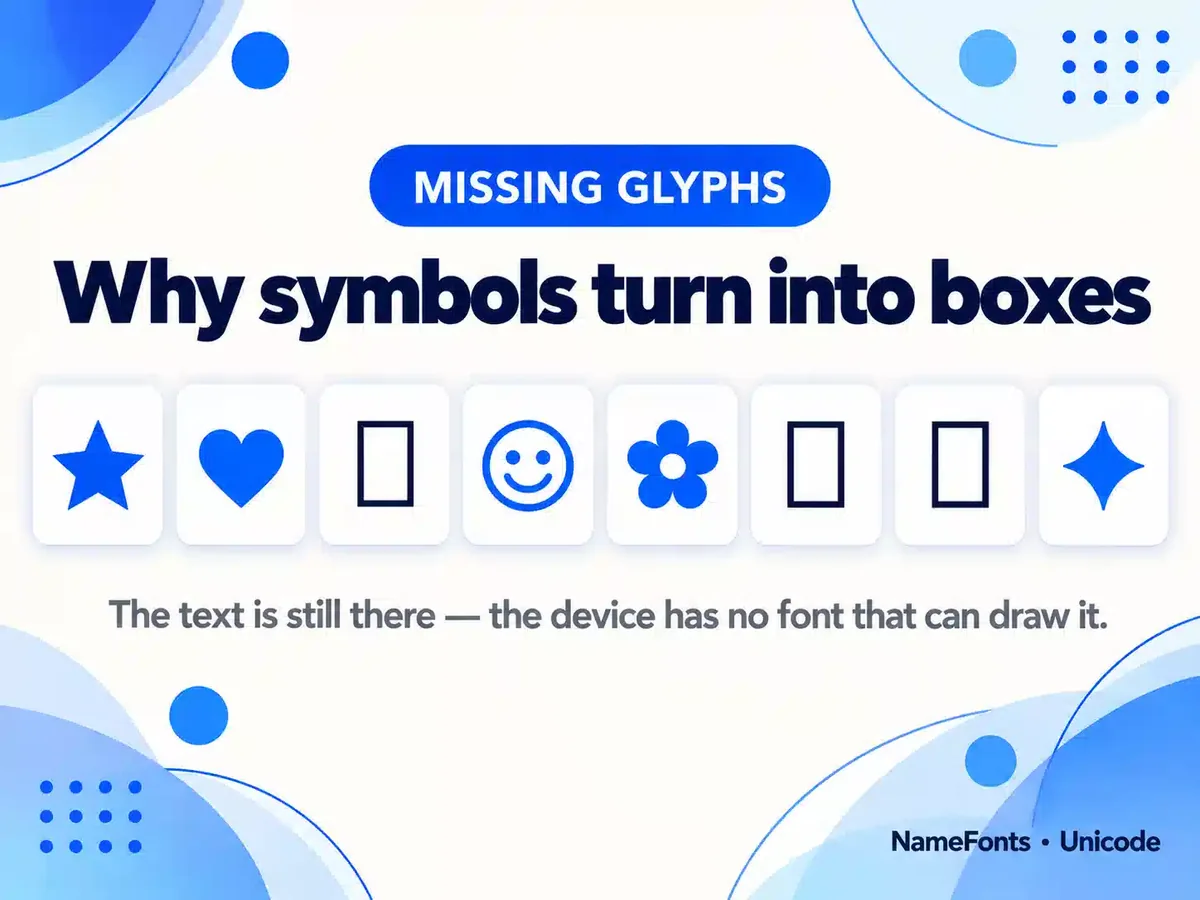
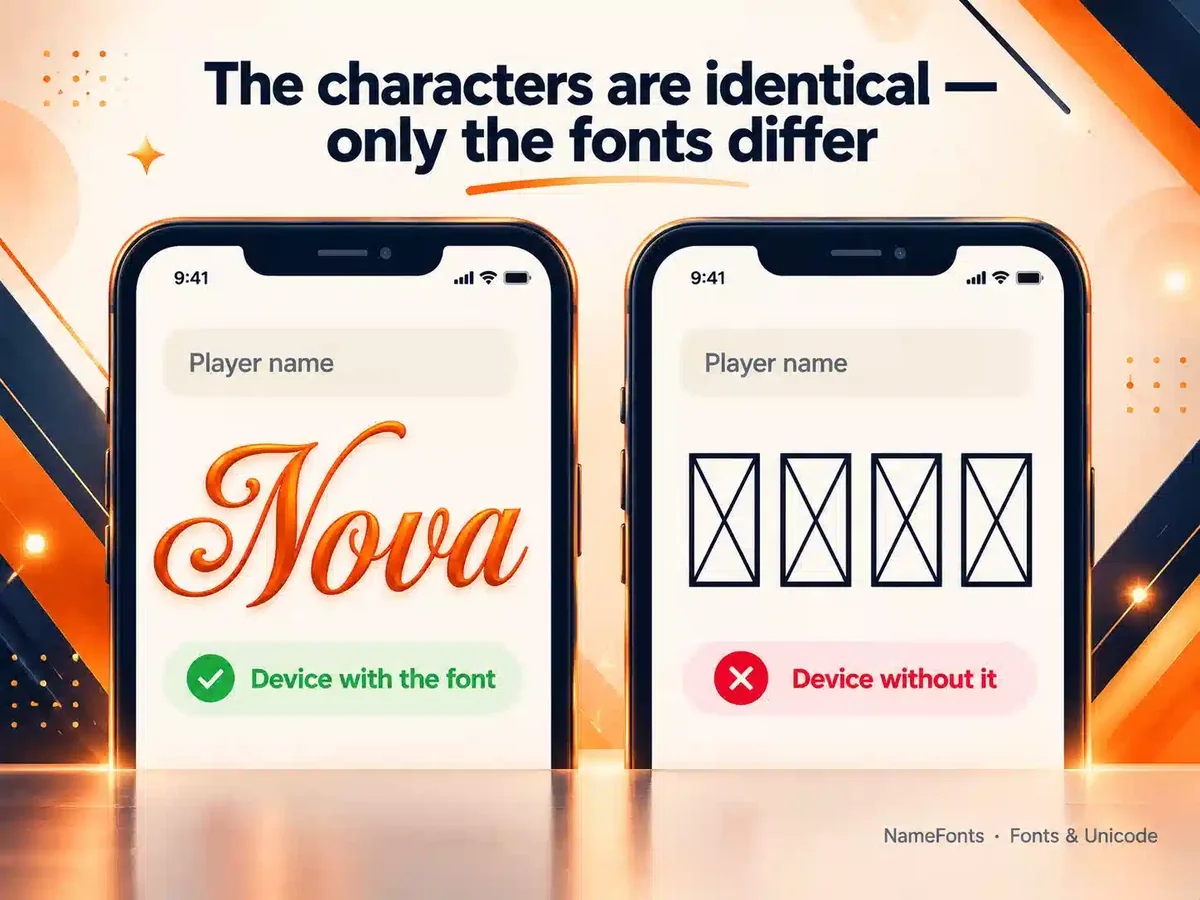
To draw a character, a device needs a font that contains it. If none of its fonts has the character, it shows a placeholder — usually an empty rectangle, a box with a question mark or a box with an X. Styled letters from the mathematical blocks are widely supported on current phones, but rarer symbols, very old devices, some game engines and brand-new characters often are not. Read more in why symbols show as boxes and our guide to Unicode symbols in usernames.
Problem 2: the app rejects or strips it
Many games and sites only allow certain characters in names — for example letters, digits and a few punctuation marks. Others block whole ranges to stop impersonation or spam. When your text contains characters outside the allowed set, the app may refuse the name, remove the characters silently or replace them. These rules belong to each app, change over time and are often not published, so NameFonts cannot tell you in advance what a particular game accepts.
Test first: paste the name into the real rename field and look at the preview before you spend a rename card or token.
Problem 3: it turns back into plain letters
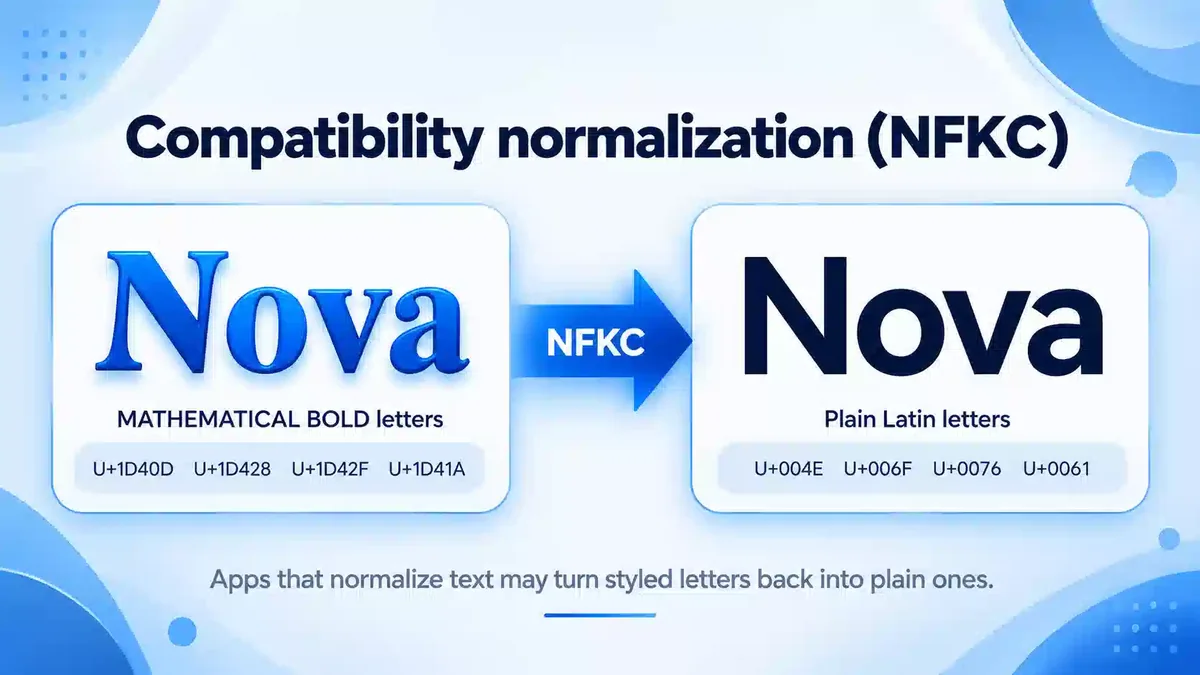
Unicode defines “compatibility” versions of many characters: the styled letter and the plain letter are treated as equivalent in some contexts. When an app applies compatibility normalization (NFKC or NFKD), most styled letters are converted back to plain ones. Unicode’s own report on mathematical characters notes that these forms map them to plain letters.
| Text | Style | First character’s Unicode name | After NFKC |
|---|---|---|---|
| 𝐍𝐨𝐯𝐚 | Bold | Mathematical Bold Capital N | Nova |
| 𝓝𝓸𝓿𝓪 | Bold cursive | Mathematical Bold Script Capital N | Nova |
| ℕ𝕠𝕧𝕒 | Outline (double-struck) | Double-Struck Capital N | Nova |
| 𝔑𝔬𝔳𝔞 | Gothic (fraktur) | Mathematical Fraktur Capital N | Nova |
| Nova | Wide (full-width) | Fullwidth Latin Capital Letter N | Nova |
| Ⓝⓞⓥⓐ | Circled | Circled Latin Capital Letter N | Nova |
| ɴᴏᴠᴀ | Small caps | Latin Letter Small Capital N | ɴᴏᴠᴀ |
Notice the last row: small capitals are ordinary letters in their own right, so normalization leaves them alone. That is one reason small caps survive in places where bold or cursive styles are flattened.
Problem 4: people cannot find you
Search boxes compare characters. Someone typing “nova” will not match “𝐍𝐨𝐯𝐚” unless the app normalizes both sides. If friends need to find you, keep the plain spelling somewhere they will search — a display name, bio or tag.
Problem 5: screen readers read it strangely
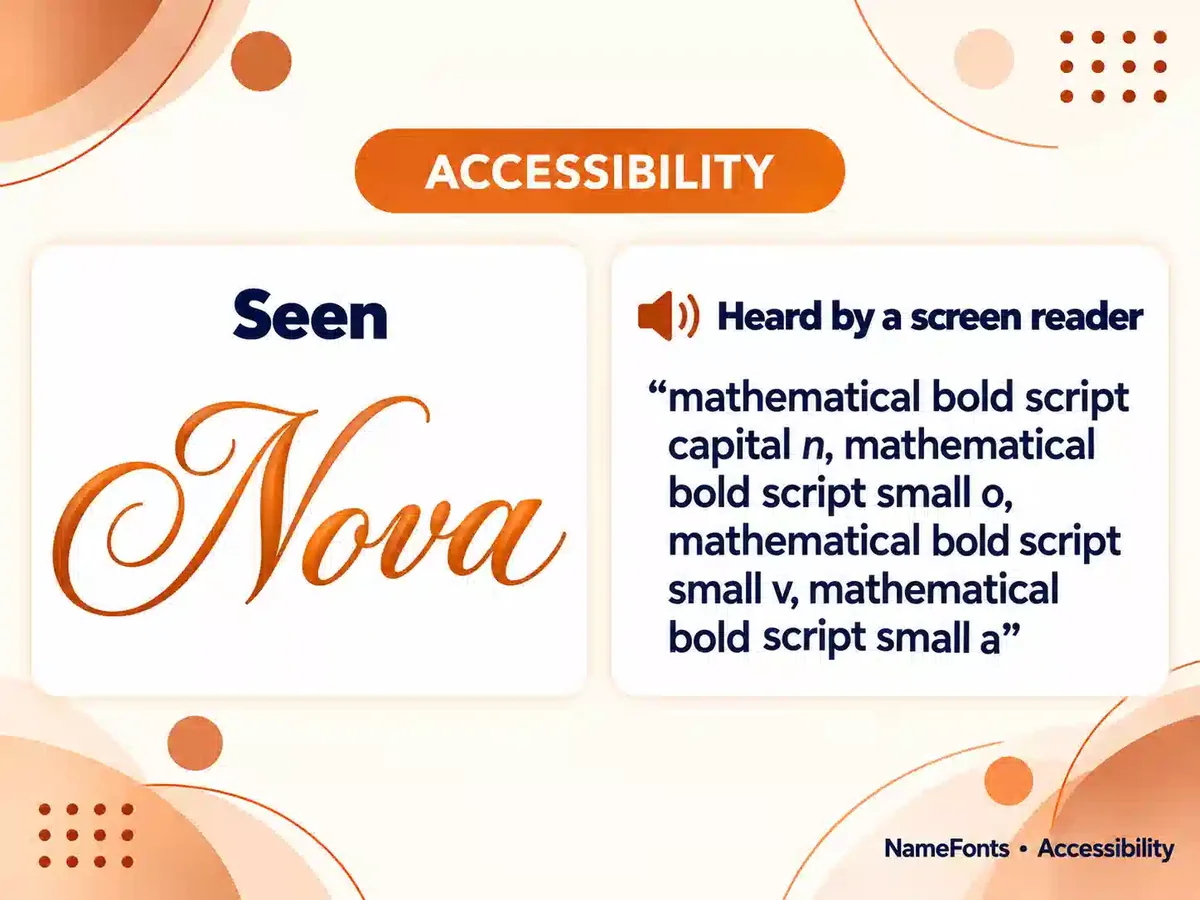
Screen readers announce characters by what they are. The disability charity Scope gives the example of a styled letter being read as “mathematical sans-serif script t”, and notes that screen readers may also skip such characters. A styled name can become slow or impossible to follow. Our guide to accessible fancy text covers practical ways to style names while keeping them readable.
Problem 6: it is longer than it looks
Most styled letters sit outside Unicode’s Basic Multilingual Plane, so each one counts as 2 UTF-16 units and 4 UTF-8 bytes. A name that fits as plain text can exceed a limit once styled. The Name Character Counter shows all four ways of counting, and characters, graphemes, code points and bytes explains them.
What you can do
- Style a little, not everything. One styled word or a light frame reads better and breaks less often than a fully decorated line.
- Prefer widely supported styles. Bold, italic and small caps are safer than rare symbols.
- Test where it will be seen. Check on another phone, and in the actual game or app.
- Keep a plain version. Use it where people search for you or where accessibility matters.
- Check the length. Count UTF-16 units if the app’s limit seems lower than expected.
Frequently Asked Questions
Are fancy text generators real fonts?
No. They swap each letter for a different Unicode character that looks styled. That is why the result can be pasted anywhere, and also why some apps change, reject or cannot display it.
Why does my styled name turn into normal letters?
Some apps apply Unicode compatibility normalization (NFKC or NFKD), which maps most styled letters back to plain ones.
Which styles break least often?
Widely supported styles such as bold, italic and small caps usually display on current devices. Rare symbols and very new characters are the most likely to show as boxes.
Sources
- Unicode Technical Report #25: Unicode Support for Mathematics — mathematical alphanumerics are intended for mathematical notation; NFKC/NFKD map them to plain letters
- Unicode Standard Annex #15: Unicode Normalization Forms — definition of NFKC/NFKD
- Microsoft Typography: Recommendations for OpenType Fonts — the .notdef glyph — missing-character glyph shapes
- Scope for Business: Accessibility, screen readers, special characters and Unicode symbols — screen reader behaviour with styled characters
See how your styled name is built, character by character, before you use it.