What the box means
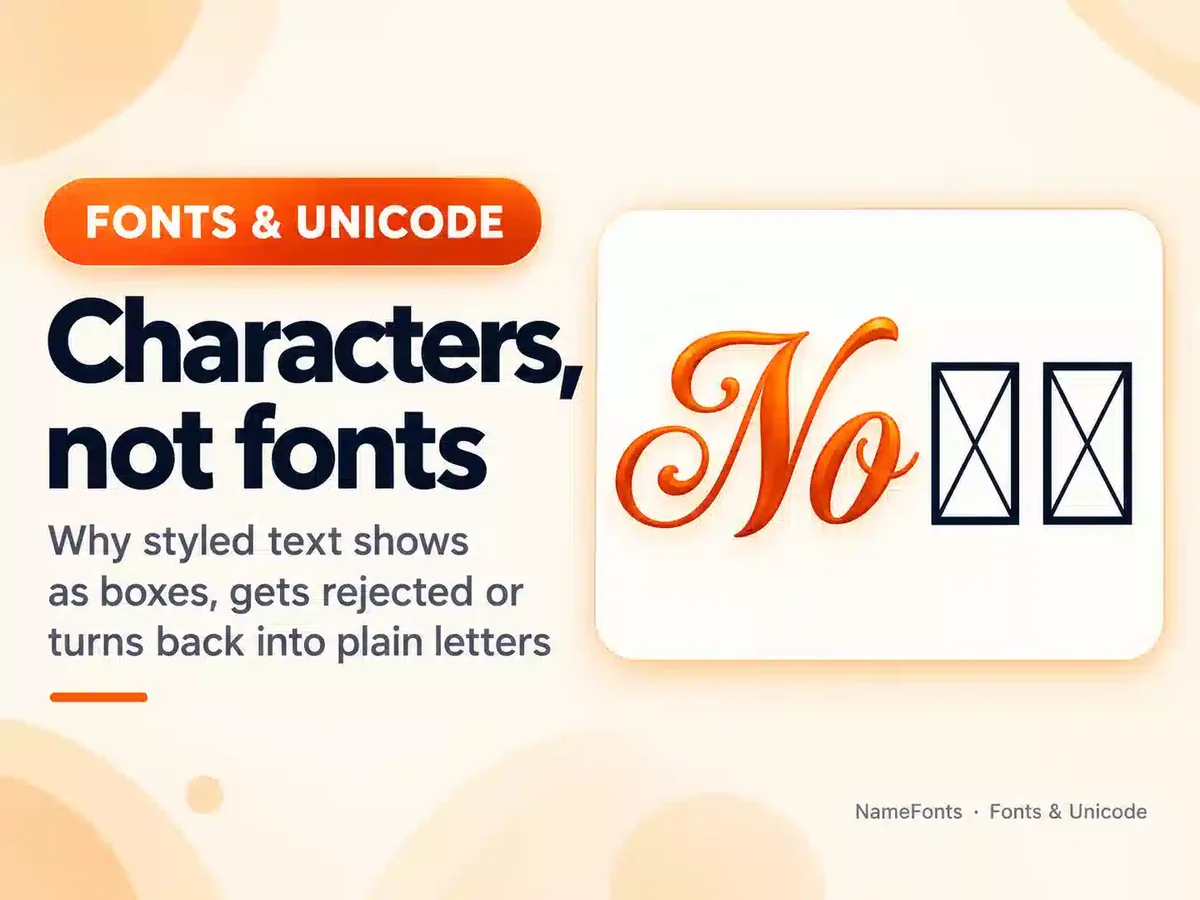
Every character on screen is drawn from a font. When none of the fonts on a device contains a character, the system falls back to a special “missing glyph”. Microsoft’s OpenType recommendations say this glyph (called .notdef) should be an empty rectangle, a rectangle with a question mark or a rectangle with an X, so that people can see that something is missing. Typographers often call these boxes “tofu”.
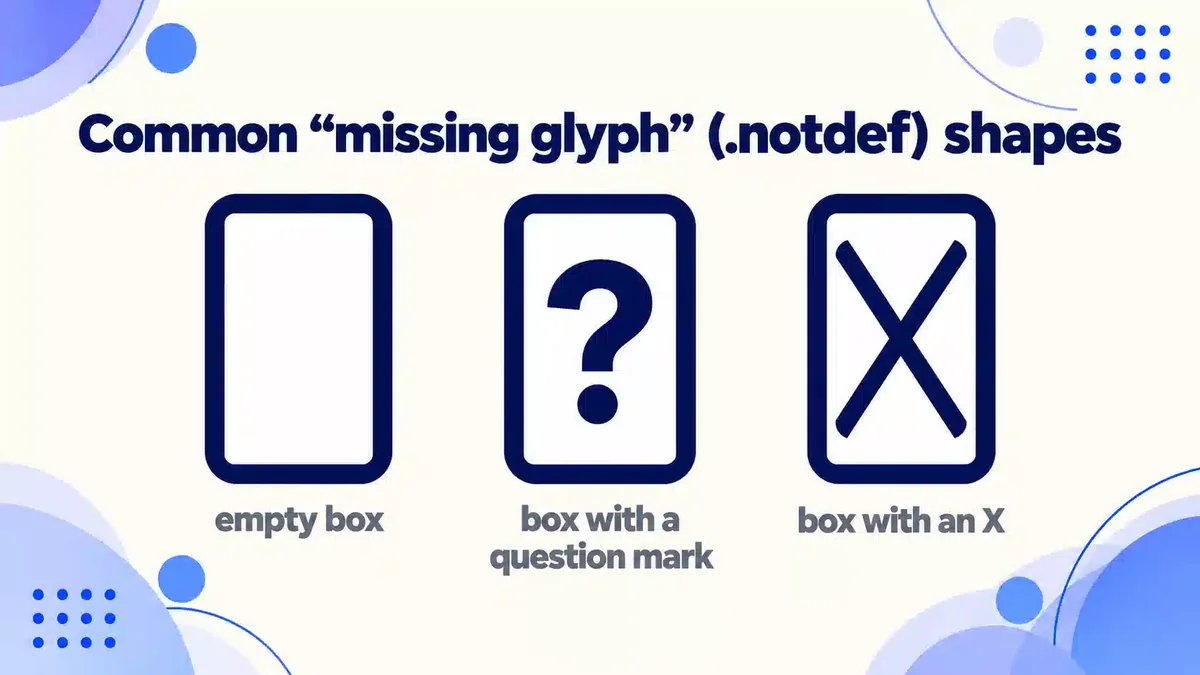
The important point: the text itself is usually intact. If you copy the box and paste it on a device that has the right font, the symbol often appears correctly.
The four usual causes
1. No font on the device has that character
Unicode contains far more characters than any single font. Phones and computers ship with font sets that cover common scripts and symbols; rare symbols, historic scripts and unusual decorations may be missing. Games are a special case: many draw text with their own built-in fonts, which can cover much less than the phone’s system fonts.
2. The character is newer than the device
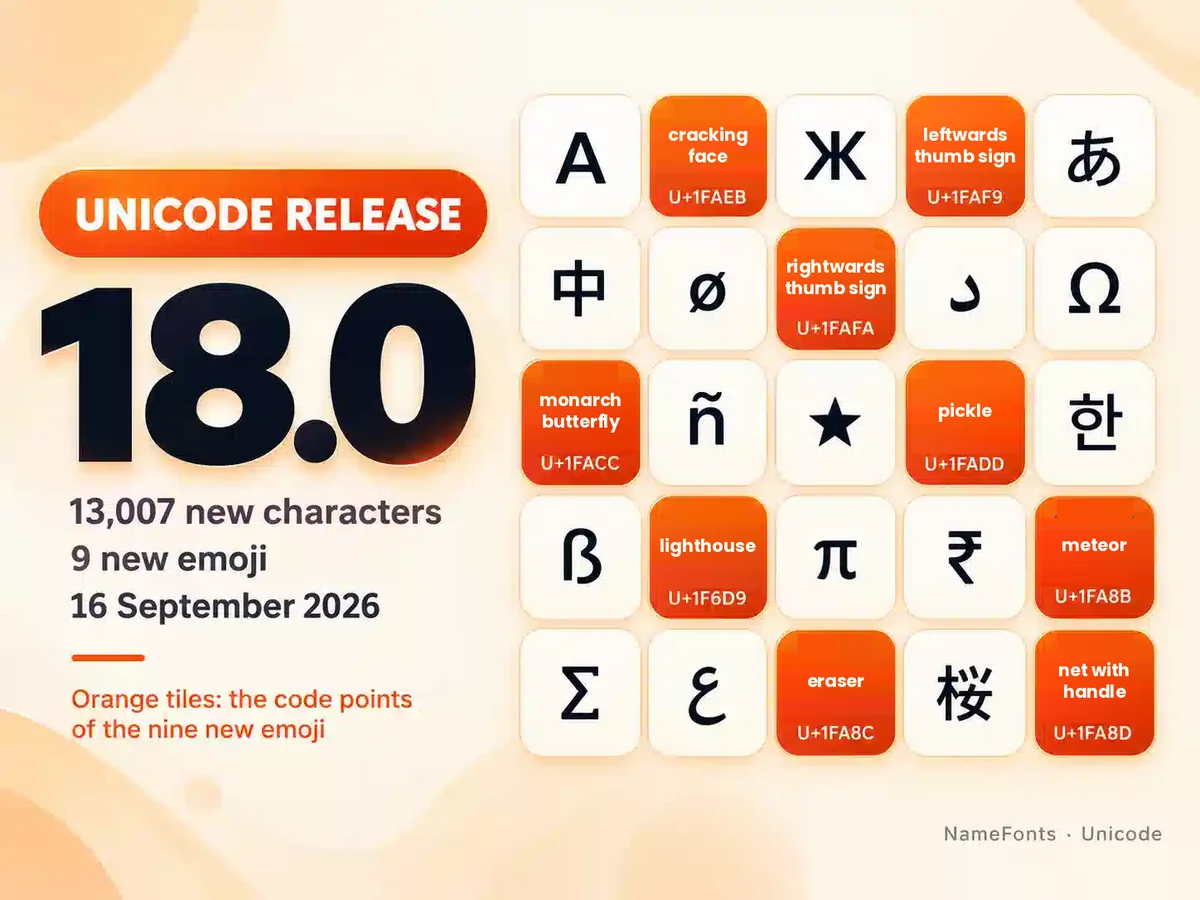
Each Unicode version adds characters. Devices only get fonts for them through software updates, at the maker’s pace — see our guide to Unicode 18.0 and the new emoji. A brand-new emoji typically shows as a box on devices that have not been updated.
3. A joined emoji sequence is not supported
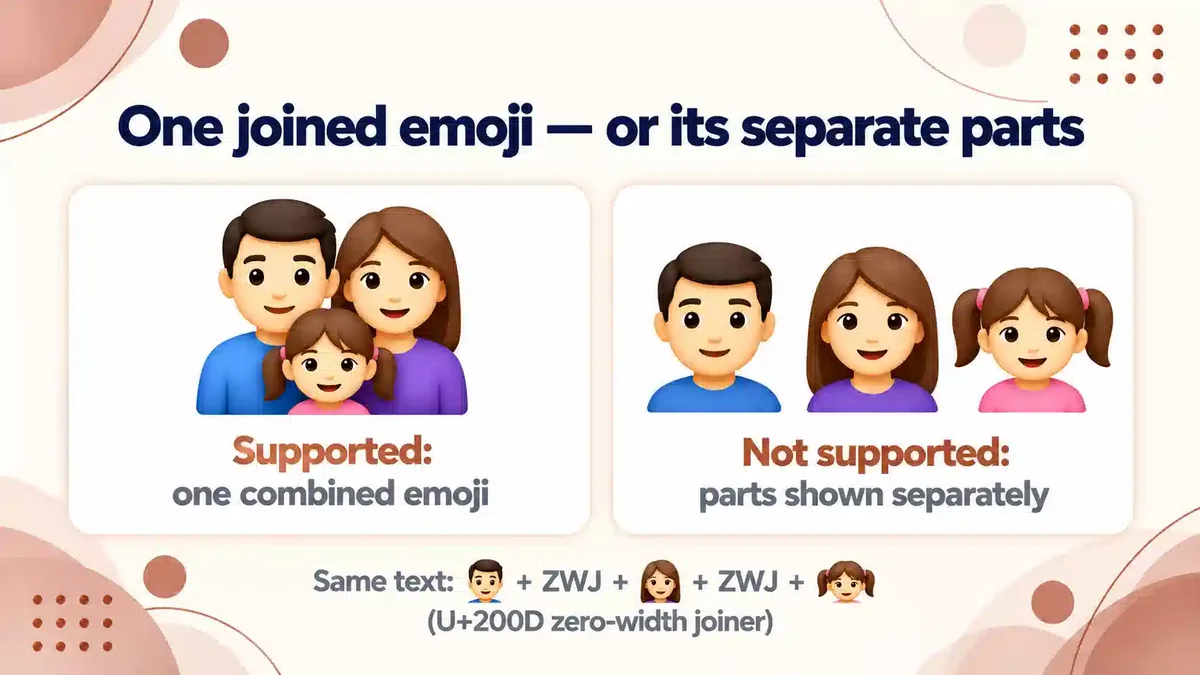
Some emoji are built by joining several emoji with an invisible zero-width joiner (ZWJ). If a device does not have a single image for that combination, Unicode’s emoji specification says the joiners are ignored and the parts are shown separately — so you see several emoji instead of one.
4. The text-versus-emoji style is different
Some characters, such as ☺ or ♥, have both a plain “text” style and a colourful “emoji” style. Two invisible selectors choose between them: U+FE0E requests text style and U+FE0F requests emoji style. Different apps apply different defaults, so the same character can look plain on one screen and colourful on another. This is a style difference, not a missing character.
How to find out which character is the problem
- Paste the text into the Name Character Counter. It lists every character with its Unicode code point.
- Look for characters from unusual blocks, very high code points, invisible joiners (U+200D) or variation selectors (U+FE0E / U+FE0F).
- Try the same text on a second device or browser. If it works there, the first device is missing a font.
How to fix it
| Situation | What to do |
|---|---|
| You see boxes in someone else’s text | Update your phone or computer’s software; it often adds fonts and new emoji. |
| Others see boxes in your name or bio | Replace the rare symbol with a widely supported one (simple stars, hearts, brackets), or remove it. |
| Boxes appear only inside a game | The game’s own font lacks the character. Choose a different symbol; a phone update will not change the game’s font. |
| A combined emoji shows as several emoji | The device does not support that sequence yet. Use a single emoji instead, or wait for an update. |
| A symbol looks plain on one screen and colourful on another | That is text vs emoji presentation. It is not broken; choose a symbol without an emoji form if you want a consistent look. |
For names and usernames
Your name is read on everyone else’s device, not just yours. If you want it to be readable for most people, prefer symbols that have been in Unicode for many years, keep decorations light and test on at least two devices. For game names, also check the game’s rename preview — games can reject or replace characters, and NameFonts cannot know each game’s current rules.
Frequently Asked Questions
Is the text broken when I see boxes?
Usually not. The characters are still there; your device just has no font to draw them. On a device with the right font they display normally.
Will updating my phone fix the boxes?
Often, yes — updates add fonts and new emoji. It does not help inside games that use their own built-in fonts.
Sources
- Microsoft Typography: Recommendations for OpenType Fonts (glyph 0, .notdef) — recommended missing-glyph shapes
- UTS #51: Unicode Emoji — presentation selectors FE0E/FE0F; ZWJ fallback; support varies by platform
- Unicode Releases — each version adds characters
Find out exactly which characters are in your text, so you know which one is causing the box.