Ever seen a Free Fire name display as blank boxes instead of the intended style? This is a real compatibility issue, not a bug in the game itself. Here's why it happens and how to pick styles that display reliably everywhere.
Key point: Standard Unicode ranges generally display consistently on recent Android and iOS versions -- most compatibility issues come from older devices or unusual character blocks.
Why Names Break on Some Devices
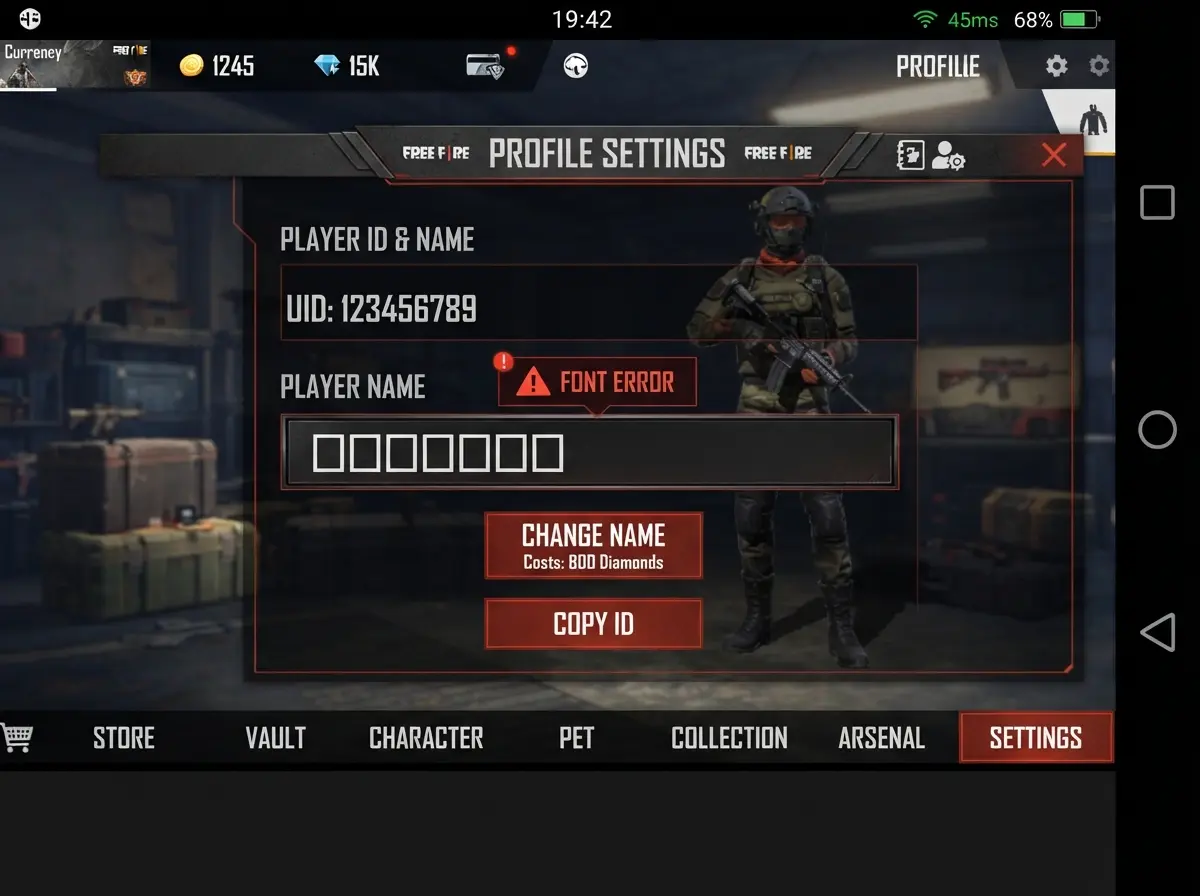
Blank boxes appear when a device's font doesn't include glyphs for that Unicode character.
Every character you see on screen depends on the device's font having a matching glyph for that Unicode code point. Older Android versions and budget devices ship with more limited font sets, so rare Unicode characters may simply have no glyph to display -- resulting in blank boxes.
Android vs iOS Differences
Since the OB45 update, standard styled Unicode ranges render consistently across both platforms. Differences mostly show up with older OS versions or with rarer, newer Unicode blocks that haven't been added to older system fonts yet.
How to Test Before Committing
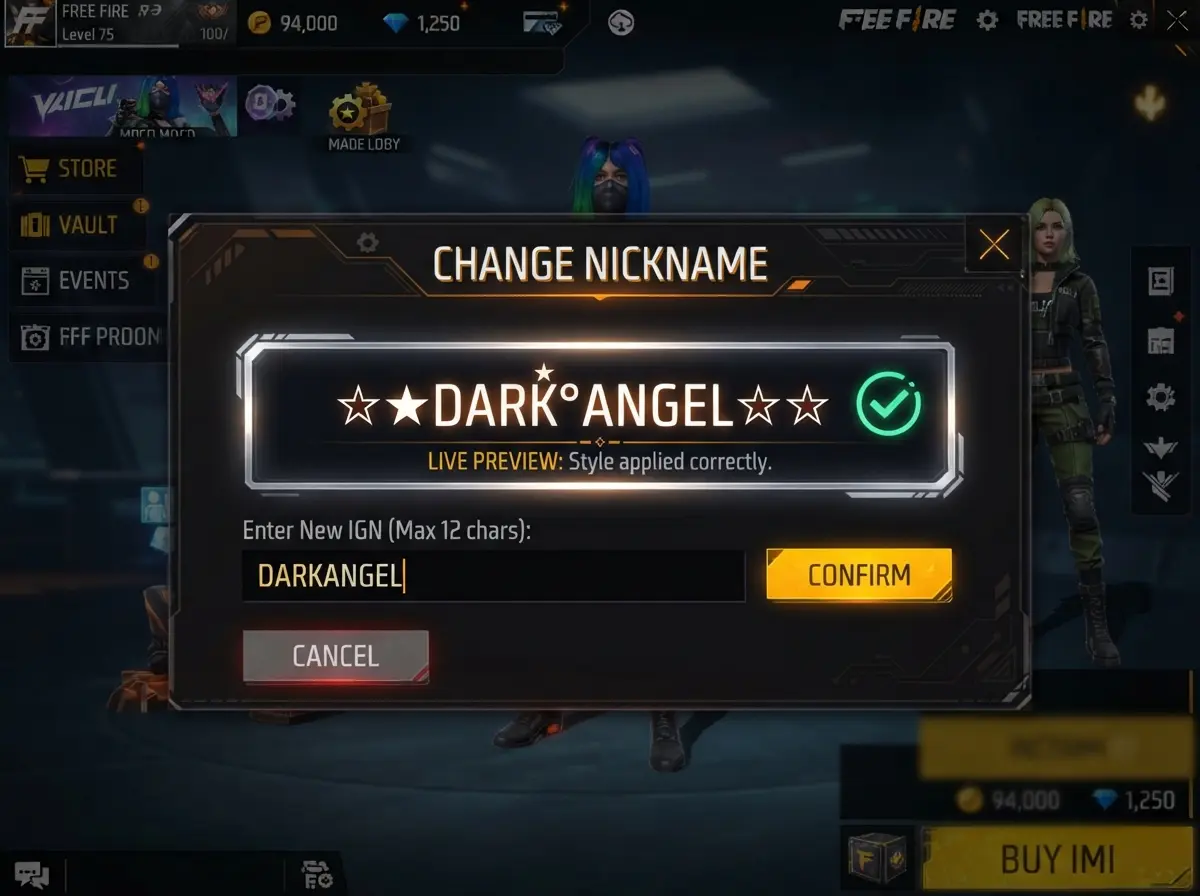
Previewing your name live in the naming field is the most reliable compatibility test.
Before confirming any name, check the live preview in the naming field. If it displays correctly on your own device, it will usually display correctly for teammates and opponents on modern devices — but that is not guaranteed.
Safest Unicode Ranges
| Range | Compatibility |
|---|---|
| Mathematical Alphanumeric | Generally good on current devices |
| General Punctuation | Excellent (near-universal) |
| CJK Punctuation | Good on most current devices |
| Rare decorative blocks | Variable — test first |
Technical Name Rules
- Character limit: 16 Unicode code points
- Devices: recent Android and iOS versions display decorated names most reliably
- Best practice: preview before confirming, favor widely supported Unicode ranges